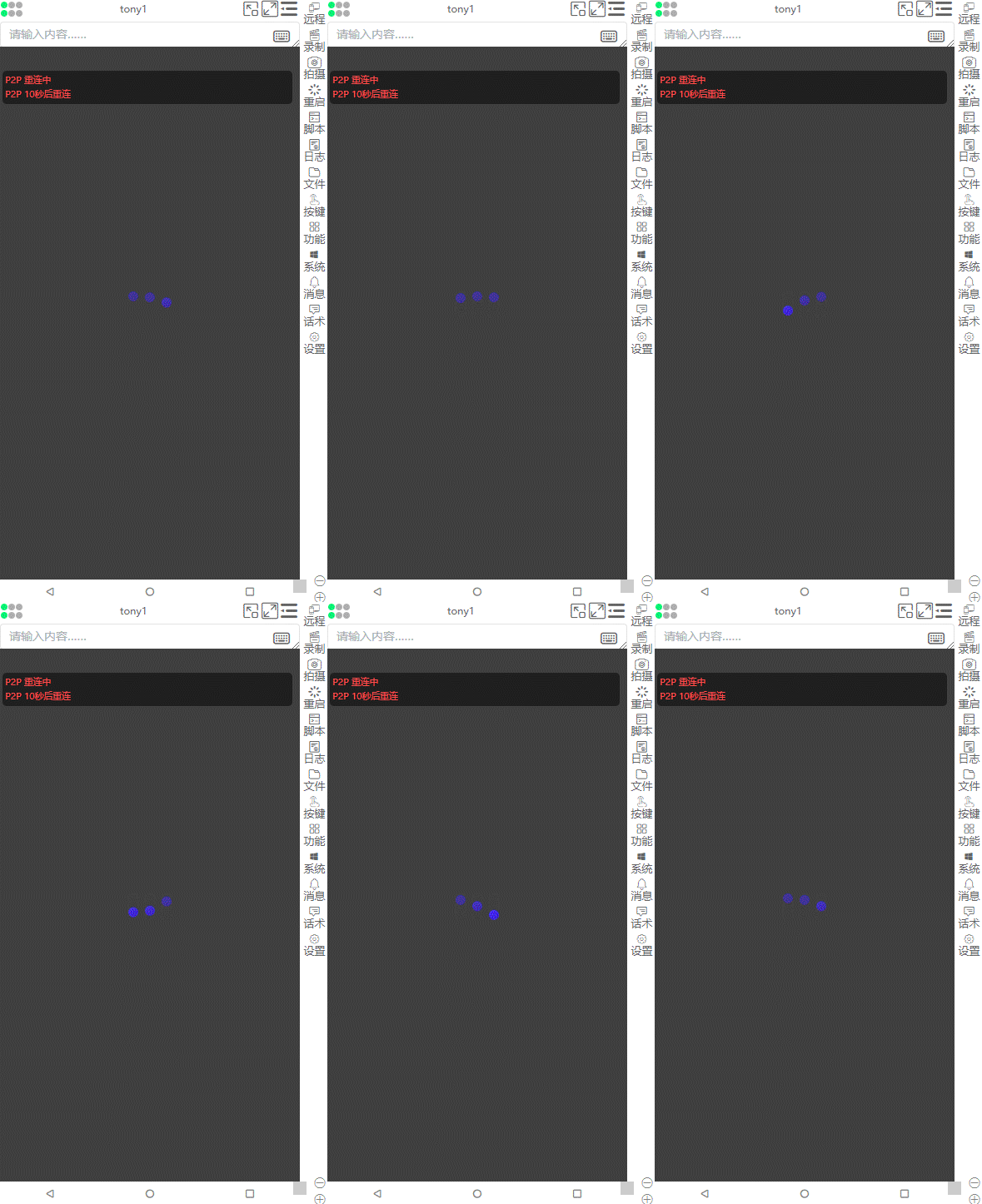
P2P Connection Failure
Updated: 2025/10/10
Read Time: 5 min
P2P peer-to-peer remote cross-network connection failure and intranet penetration problem solutions.
P2P Connection Conditions Explanation
Local Screen Mirroring (Within Same Local Network)
- Local Network IPv4 ⇆ Local Network IPv4
- Control end and controlled end are under the same local network, can directly establish P2P connection, no relay server needed.
Remote Screen Mirroring (Different Network Environments)
| Network Type | Can Direct P2P | Need Relay Server |
|---|---|---|
| Public Network IPv6 ⇆ Public Network IPv6 | ✅ Yes | ❌ No |
| Public Network IPv4 ⇆ Public Network IPv6 | ✅ Yes | ❌ No |
| Public Network IPv4 ⇆ Local Network IPv4 | ✅ Yes (Supports NAT Traversal) | ❌ No |
Scenarios Requiring Relay Server
| Network Type | Reason |
|---|---|
| Local Network IPv4 ⇆ Local Network IPv4 (Different NAT) | ❌ No public network address, cannot achieve NAT traversal |
| Local Network IPv4 ⇆ Public Network IPv6 | ❌ Address family inconsistent, and no public network IPv4 address |
Common Network Type Explanations
- ✅ Most Mobile, Unicom, Telecom SIM cards, All-network data cards, broadband and shared router networks
- Usually have public network IPv6 addresses, can successfully establish P2P direct connections, no relay server needed, achieving remote screen mirroring and large file transfers.
- ✅ Router default not enabling public network IPv6
- Log in to router management backend to manually enable IPv6
- After enabling, recommended to restart router to ensure effectiveness
- ✅ Cloud phone examples supporting public network IPv6: StarChain Cloud, Mobile Cloud
- ✅ Cloud phone examples supporting public network IPv4: Mango Cloud
- ✅ Unicom users can apply for public network IPv4 addresses, Mobile and Telecom generally don't provide such services
- 🛑 Network scenarios unable to establish P2P direct connections
- Few IoT cards, single-network data cards
- Some cloud phones (like Tianyi Cloud, Shark Cloud)
- These networks only have local network IPv4 addresses, lack public network IPv6 support, causing inability to directly P2P connect
Check Computer/Phone Network Information
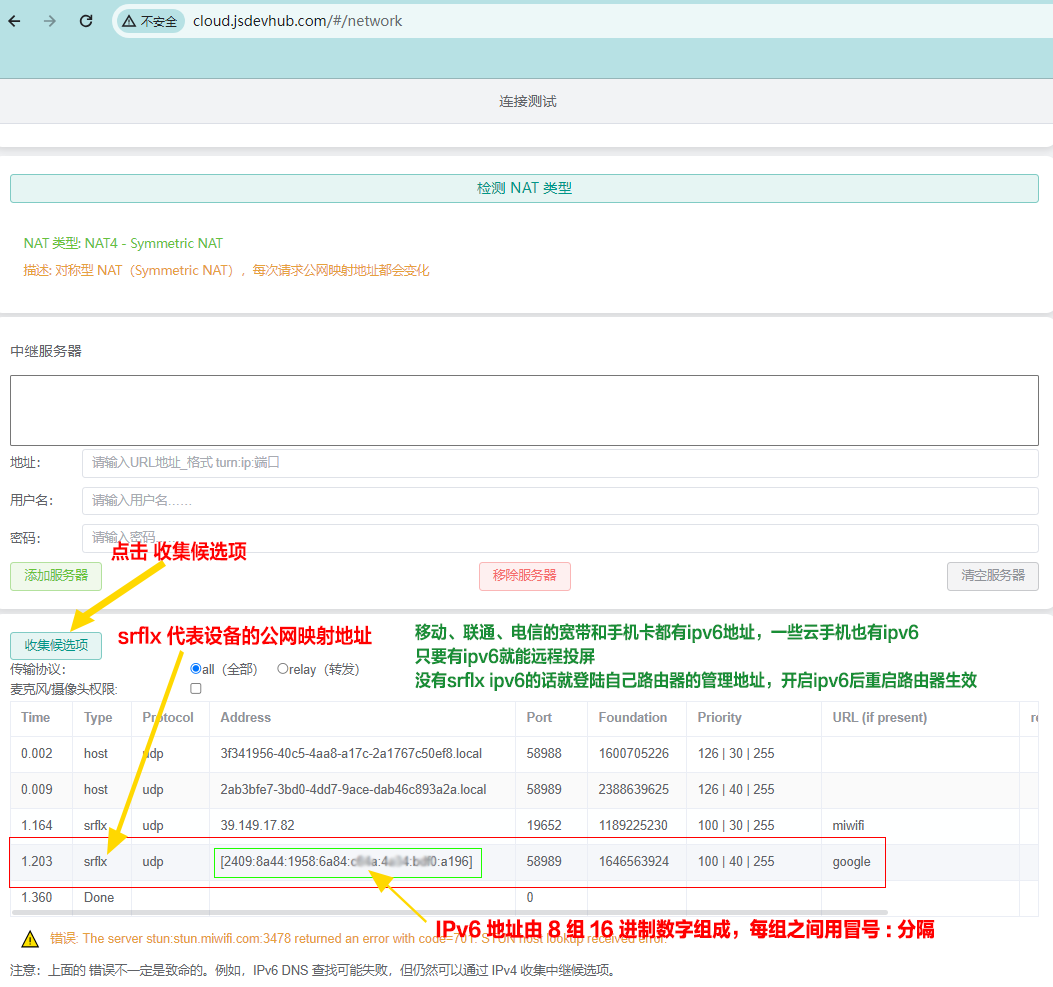
- Open browser to visit: http://cloud.jsdevhub.com/#/network
- Click Collect Candidates to view IP information:
- ✅ Has public network IPv6 → Can directly establish remote P2P connection
- ❌ No public network IPv6 → Need to continue troubleshooting or setup relay server

P2P Connection Failure Solutions
1. Check Control End and Controlled End IP
- Check computer end and phone end network information separately
- Whether having public network IPv6 address
- If no public network IPv6, proceed to next troubleshooting step
2. Troubleshoot IP Problems
- Check router settings, ensure IPv6 function is enabled, and restart router
- If still no public network IPv6, contact broadband provider to confirm whether network supports public network IPv6
⚠️ If still cannot obtain public network IPv6 after above steps, P2P direct connection cannot be established
3. Setup Relay Server
- When public network IPv6 cannot be resolved, achieve remote screen mirroring and file transfer through setting up relay server
- Relay server serves as bridge for NAT traversal and cross-network connection, ensuring stable connection
- Reference tutorial: